Contents
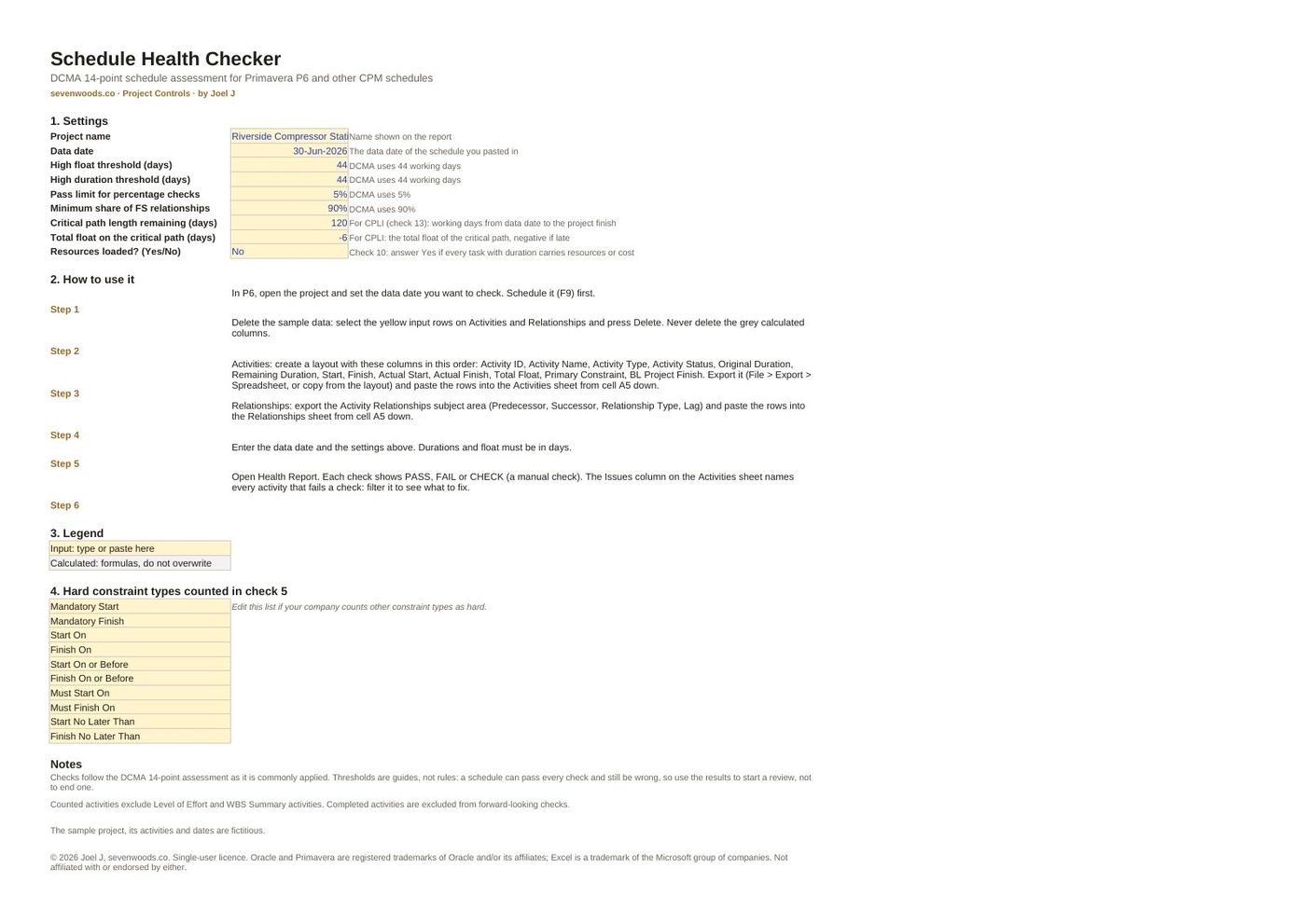
Everything that is inside.
The full table of contents, so you know exactly what you are buying.
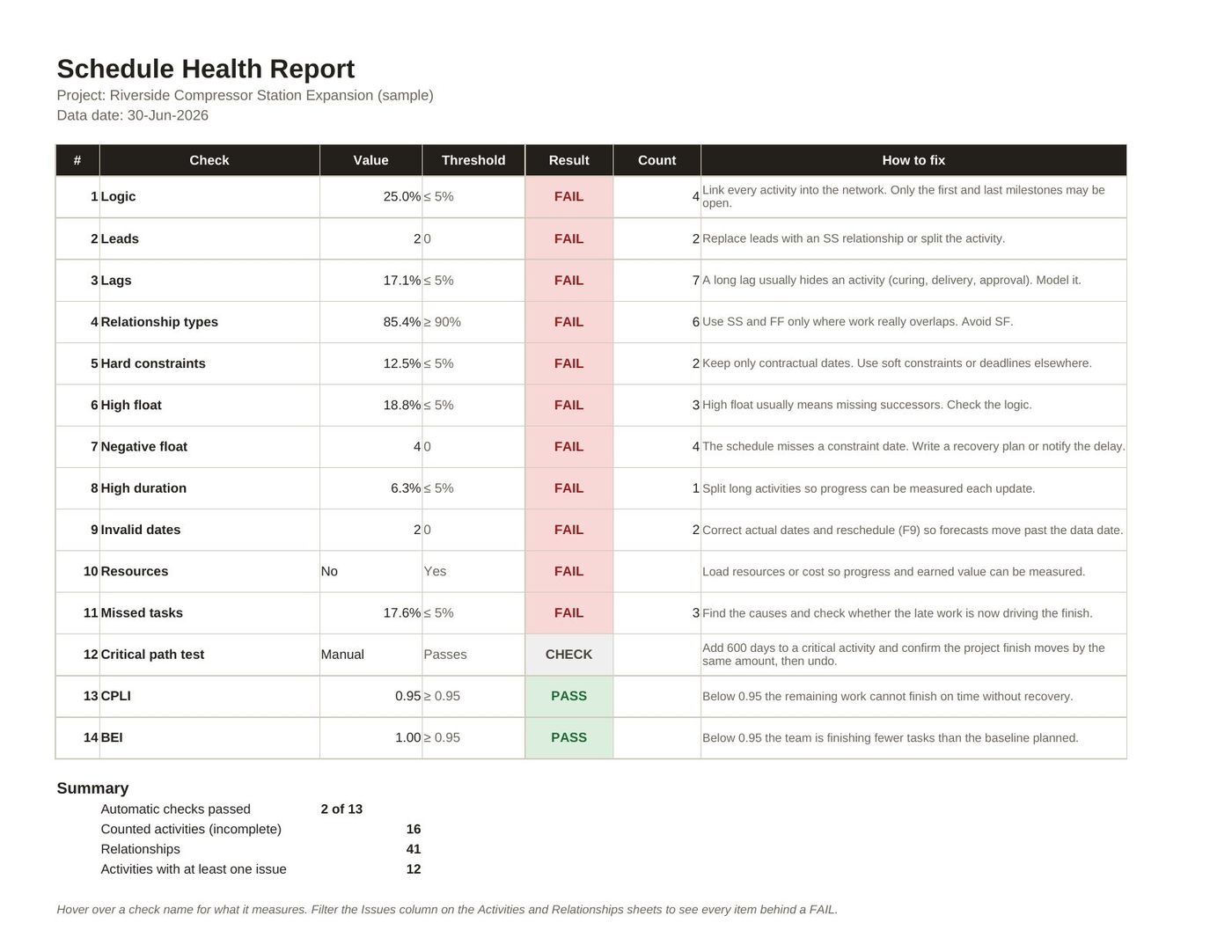
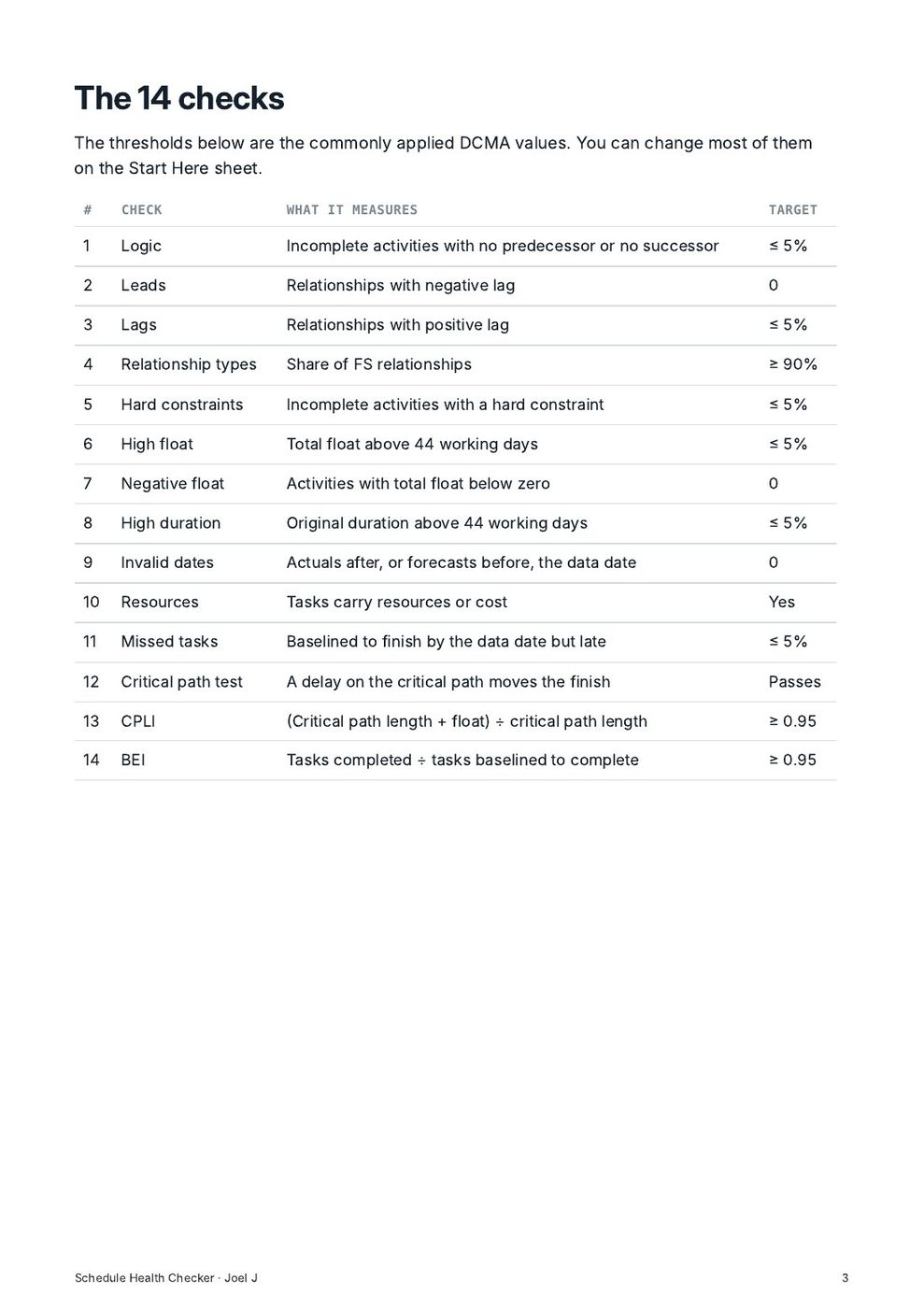
The 14 checks14
- 1 Logic
- 2 Leads
- 3 Lags
- 4 Relationship types
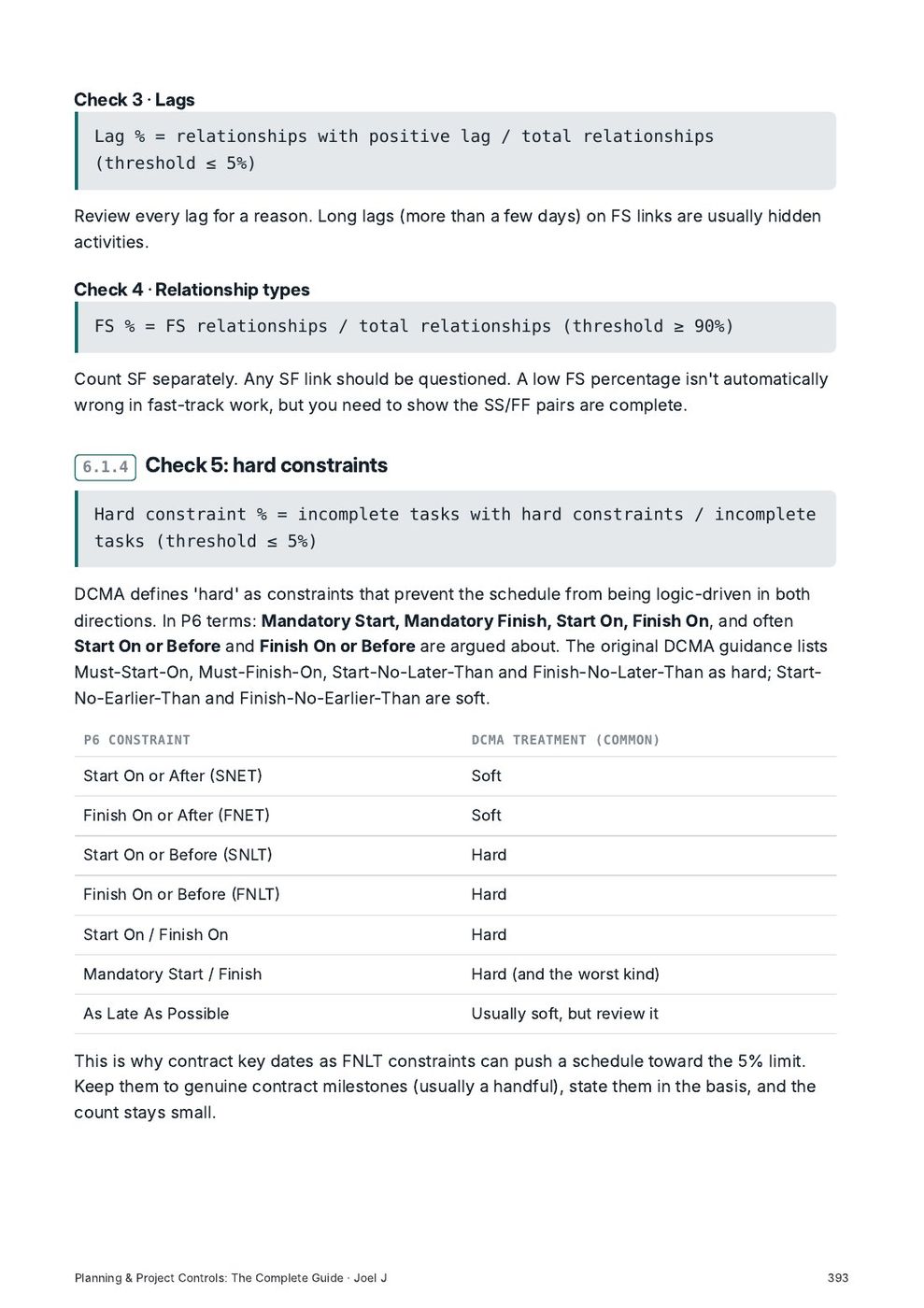
- 5 Hard constraints
- 6 High float
- 7 Negative float
- 8 High duration
- 9 Invalid dates
- 10 Resources
- 11 Missed tasks
- 12 Critical path test
- 13 CPLI
- 14 BEI
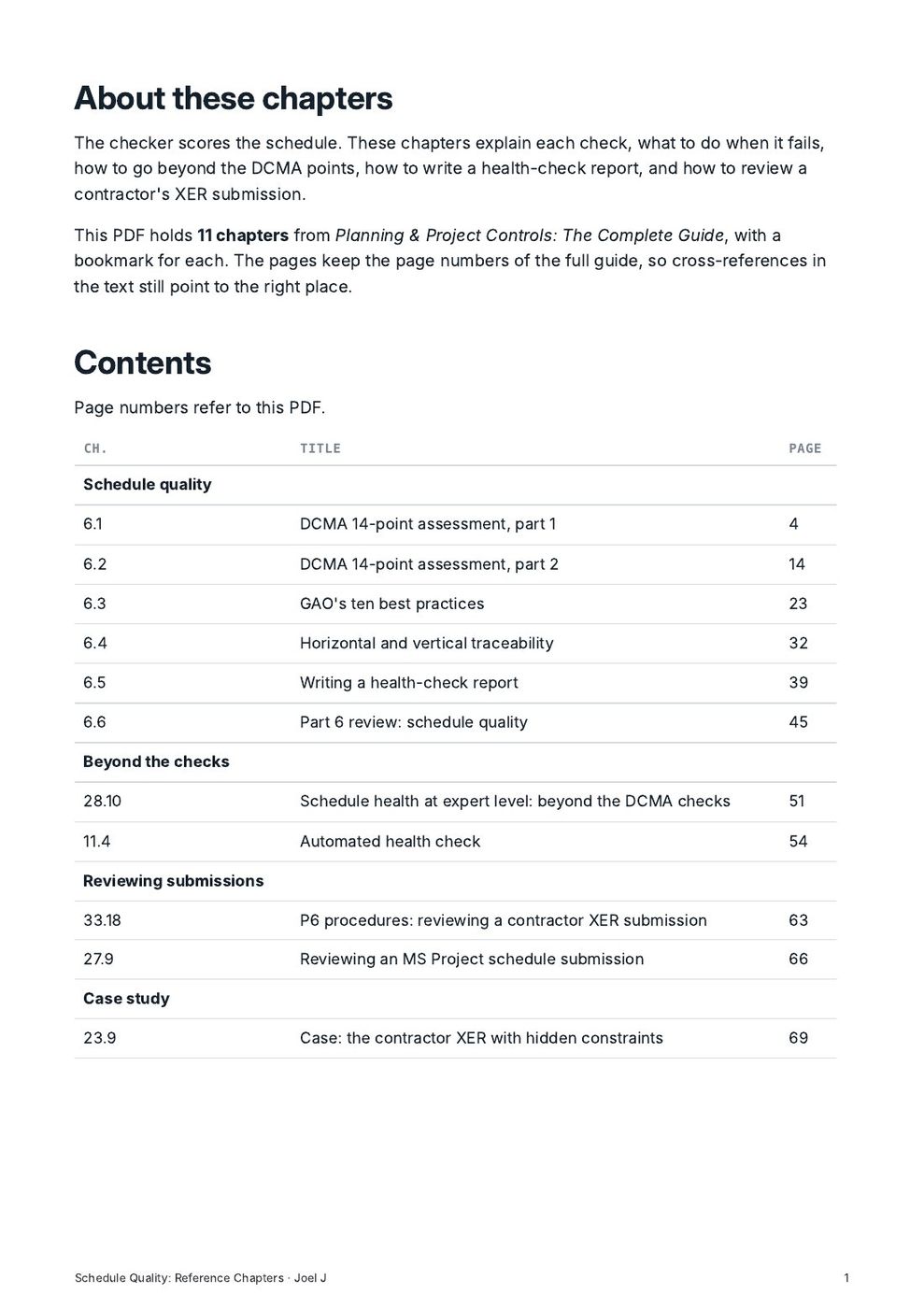
Reference chapters: Schedule quality6
- 6.1 DCMA 14-point assessment, part 1
- 6.2 DCMA 14-point assessment, part 2
- 6.3 GAO's ten best practices
- 6.4 Horizontal and vertical traceability
- 6.5 Writing a health-check report
- 6.6 Part 6 review: schedule quality
Reference chapters: Beyond the checks2
- 28.10 Schedule health at expert level: beyond the DCMA checks
- 11.4 Automated health check
Reference chapters: Reviewing submissions2
- 33.18 P6 procedures: reviewing a contractor XER submission
- 27.9 Reviewing an MS Project schedule submission
Reference chapters: Case study1
- 23.9 Case: the contractor XER with hidden constraints